How to add a rideable horse in Unreal Engine 5
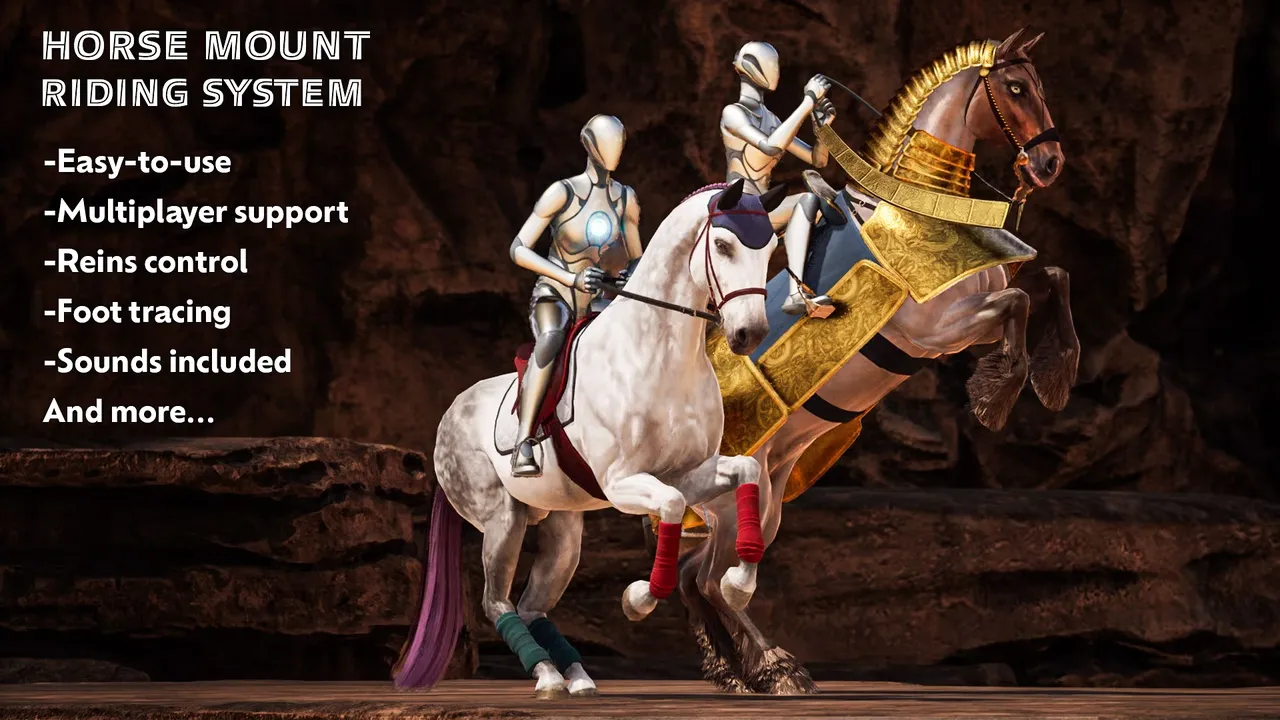
To add a rideable horse in Unreal Engine 5, import a rigged horse model and pair it with the Complete Horse Riding System — a drop-in Blueprint pack that adds mounting, four gaits, jumping and swimming without any C++.
What you need
To make a horse rideable in Unreal Engine 5 you need two things: a rigged, animated horse model and a riding layer that handles mounting, movement and input. 3DBear's Complete Horse Riding System is that layer — a drop-in Blueprint pack that drives any of 3DBear's horses (or your own model) with no C++. Not sure the horse itself is up to scratch? See what makes a horse asset game-ready.
Step by step
- Import the horse. Add a 3DBear horse such as Horse Herd to your project; it arrives rigged and animated on a UE-compatible skeleton.
- Add the riding system. Drop the riding-system Blueprints in. Riders are modular Actor Components, so they attach to your existing character.
- Attach and mount. Point the rider component at the horse and mount — you immediately have four gaits (walk, trot, canter, gallop), jumping, swimming and dismount.
- Tune input. The system uses Enhanced Input (UE 5.0 needs it enabled manually); remap the mount, gait and jump actions to your scheme.
Multiplayer and custom horses
The riding system is network-replicated — replication and RPCs are performance-tested for multiplayer. Bringing your own horse? Attach it to the provided skeleton and the same gaits, jumping and combat moves work through the included Blueprints. See the full feature breakdown on the riding-system page.