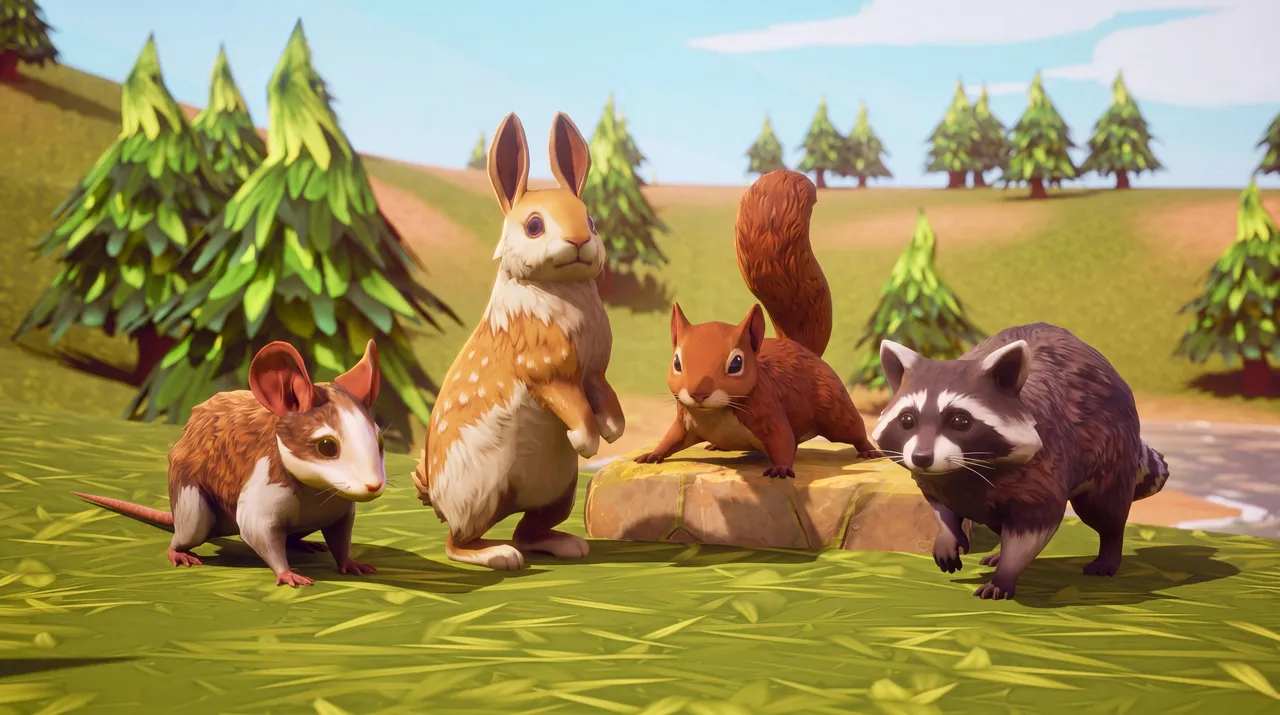
Animal AI in Unreal Engine 5: ambient wildlife that roams, flees and respawns
What ambient animal AI has to do
Ambient wildlife is the background fauna of a level: the small animals that populate a forest, a farm, a village or a park. Whatever the species, the AI behind it has six jobs:
- Spawn the animals across the area they belong to.
- Roam the NavMesh, with pauses to idle or eat.
- Detect threats: notice a player, NPC or predator coming close.
- Flee from the threat to a safe distance.
- Die when something damages them.
- Respawn after a while, so the area does not empty out.
One more requirement sits under all six: an animal that is off-screen, with nobody near it, should cost close to nothing.
Where the cost comes from
When every animal carries its own AI, two costs repeat on every animal:
- An actor that Ticks runs its logic every frame, whether or not anyone is near it.
- A perception component on every animal means every animal is checking for stimuli on its own.
One Director instead of a brain per animal
CritterAI, the Blueprint system that ships with 3DBear's four stylized animal packs, is built the other way round. It needs no C++ and no plugins. One Director actor thinks for every critter in the level, as the rabbit pack's changelog puts it. In the squirrel listing's words, the Director "does all distance checks on a pulse (distance-squared, no AIPerception components)".
Each critter's logic runs only at movement-leg boundaries: pick target → AIMoveTo → callback →
pause timer. The squirrel listing calls this event-driven, with no per-critter Tick; the rabbit listing
says there is no per-critter behaviour Tick; and the raccoon listing describes the AI as tick-free with
distance-based dormancy.
Each animal has 3–4 LODs and one material, with the fur colours as material instances. The squirrel and the raccoon use a single material slot.
Set it up
The animals move on the NavMesh, so the level needs one. The rabbit listing's quick setup uses a spawner:
- Add a
NavMeshBoundsVolumeto your level. - Place a Critter Spawner.
- Select a species Data Asset, such as the rabbit's.
- Set the population count and spawning radius.
- Press Play.
The spawner distributes the animals across reachable NavMesh locations and creates a Critter Director if the level does not already contain one.
The squirrel listing describes placing the animals by hand instead: place any number of BP_Critter
actors, set their Species to DA_Squirrel, and place one BP_CritterDirector.
For Unreal Engine 5.3, the raccoon pack's FAQ adds two notes. Run Build → Build Paths once before the first Play. And in the 5.3 build the Director does not auto-spawn, so use Spawner actors or place the raccoons by hand.
Use your own animal
CritterAI is not tied to the animals it ships with: species live in a species Data Asset, and the same system drives the rat, the rabbit, the squirrel and the raccoon. The raccoon pack's FAQ gives the steps for adding your own:
- Duplicate one species Data Asset and fill it in for your animal.
- Make a child of the template Animation Blueprint for your skeleton.
No Blueprint edits are needed.
Damage, death and respawn
The raccoon pack's FAQ says your existing weapons will kill the raccoons as long as they call
ApplyDamage; nothing needs changing on your side. A critter dies from any damage and respawns after a
set time, as the squirrel listing puts it; the rat listing says it respawns after a countdown.
The raccoon pack includes a demo player for testing this. Left-click fires a sphere trace for 25 damage, with a hit burst and a flash, so you can try the damage, death and respawn loop in the demo map.
Which pack to start with
All four animals run the same CritterAI system:
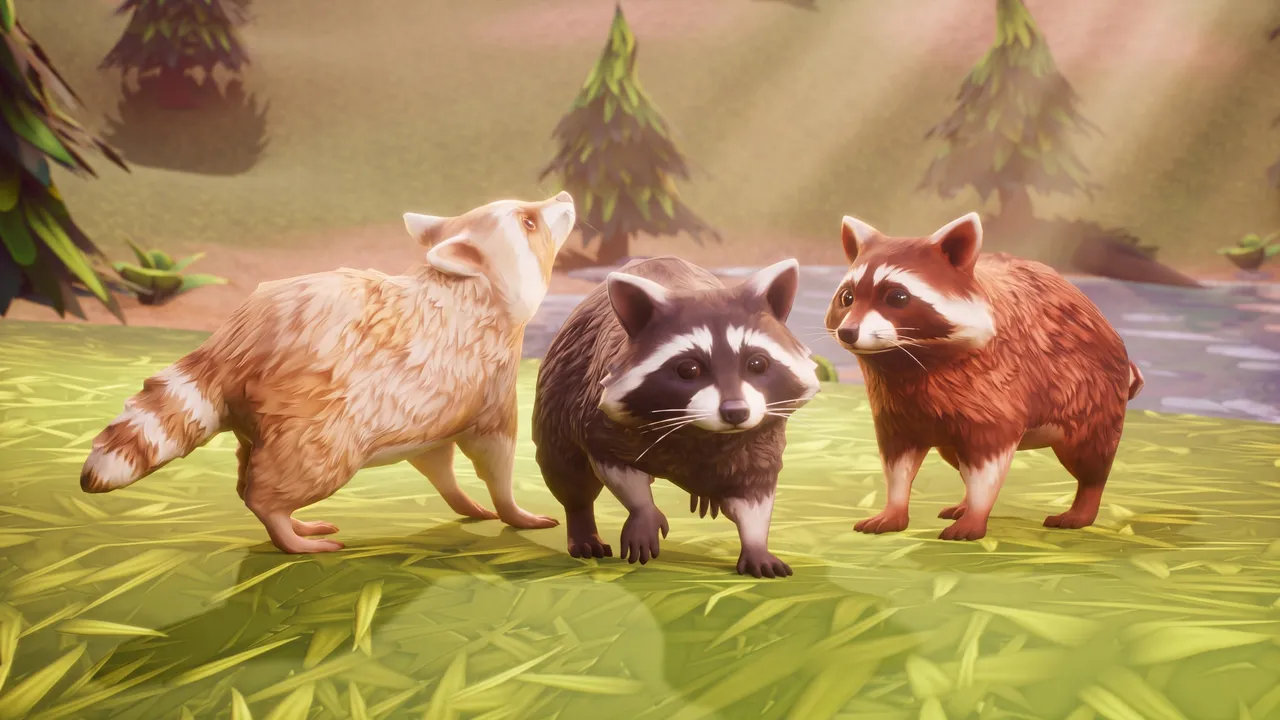
- Stylized Raccoon Critter Mob: 4 LODs, 9 animations and 5 fur colours (natural, black, blond, red, rusted). Includes the demo player.
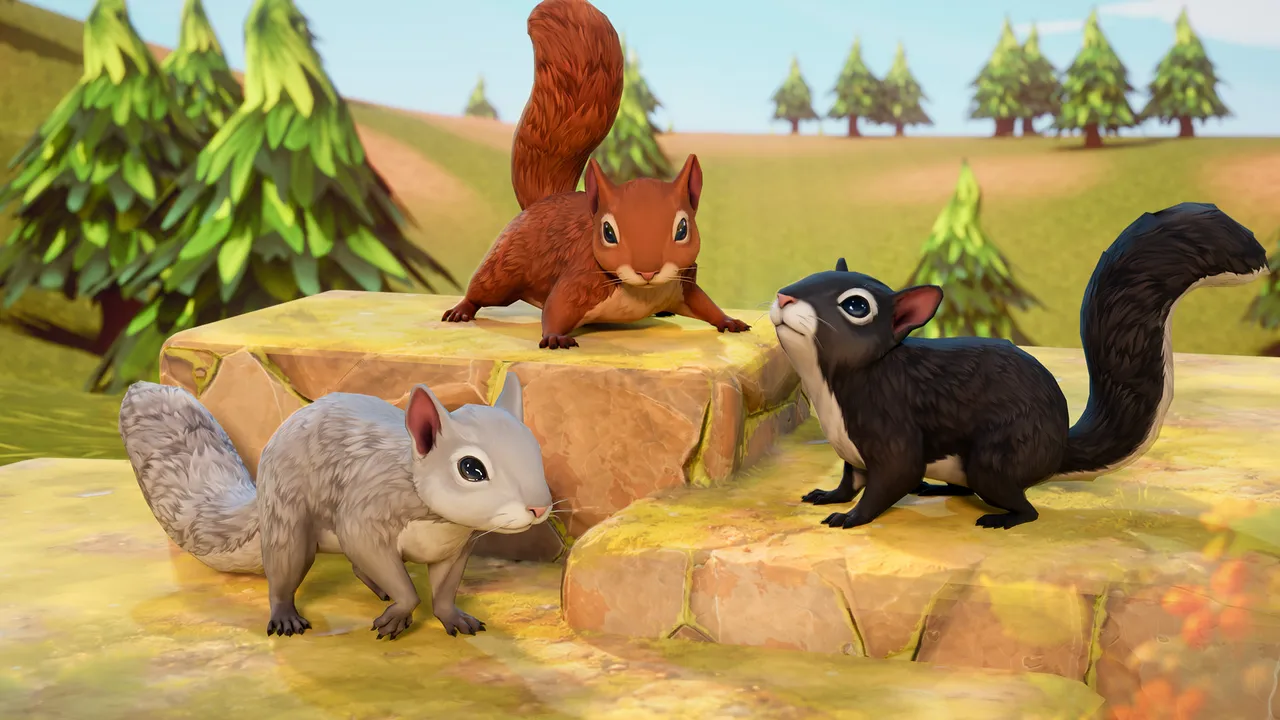
- Stylized Squirrel Critter Mob: 4 LODs, 14 animations and 6 fur colours (red, brown, dark brown, black, gold, white).
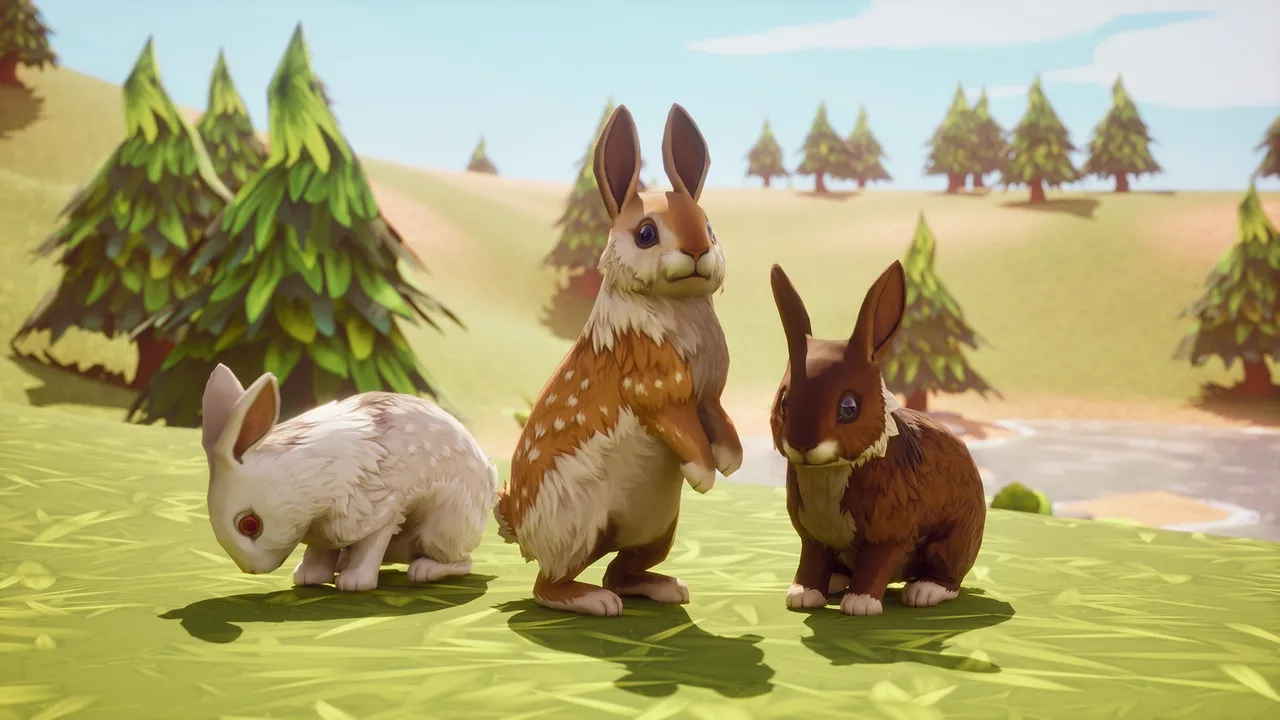
- Stylized Rabbit Critter Mob: 4 LODs, 7 animations and 5 fur colours.
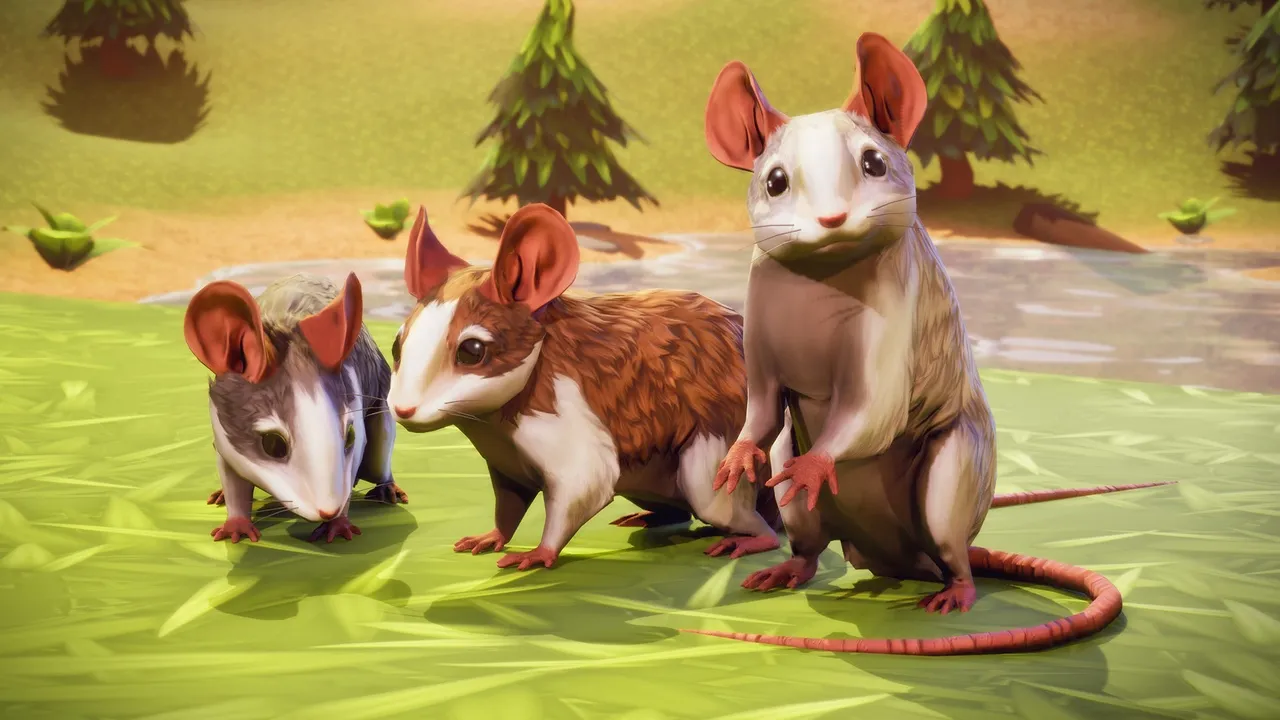
- Stylized Rat Critter Mob: 3 LODs, 7 animations and 5 fur colours.
To get all four at once, the Stylized Forest Animals Pack bundles them in one purchase, with 37 animations and 21 fur colours between them.